
Fuel Pass Register Online in Sri Lanka (Fuelpass Gov LK QR Code)
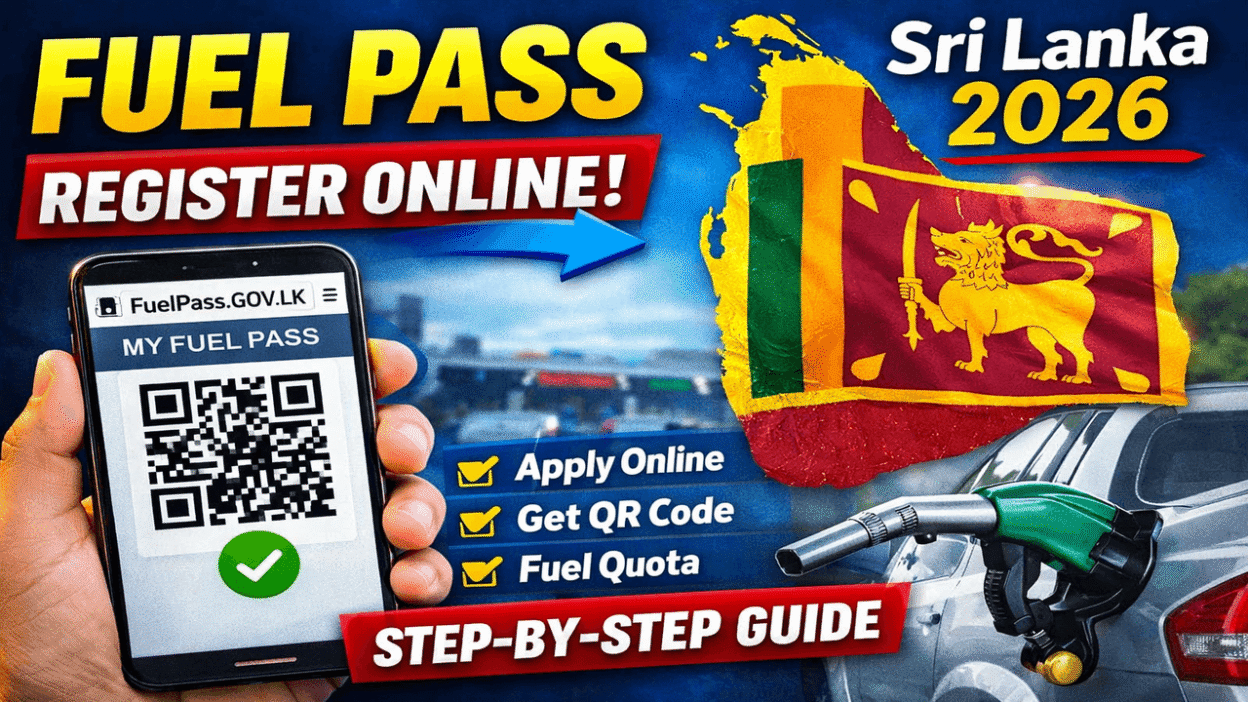
The Fuel Pass system in Sri Lanka allows vehicle owners to receive their weekly fuel quota using a QR code issued through the official portal. The government introduced this system to manage fuel distribution efficiently and reduce long queues at filling stations.
If you are a vehicle owner, you can easily register online through the official Fuel Pass website and obtain your Fuelpass Gov LK QR code. This guide explains how to register, requirements, and how to download your QR code.

What is the Fuel Pass System in Sri Lanka?
The Fuel Pass (National Fuel Pass) is a digital system introduced by the Sri Lankan government to distribute fuel fairly among vehicle owners.
Once registered, every vehicle receives a unique QR code which must be scanned at fuel stations to obtain the allocated weekly fuel quota.
Key Features of the Fuel Pass System
- Online vehicle registration
- Unique QR code for each vehicle
- Weekly fuel quota allocation
- Easy tracking of fuel usage
- Faster service at fuel stations
Official Fuel Pass Registration Website
Vehicle owners must register through the official government website:
Official Portal:
👉
After registering, the system generates a Fuel Pass QR code linked to your vehicle number.
Requirements to Register for Fuel Pass Online
Before starting the registration process, make sure you have the following information:
- Vehicle Registration Number
- Chassis Number
- Vehicle Category (Car, Bike, Three Wheeler, etc.)
- NIC Number or Business Registration Number
- Mobile Phone Number
- Email Address (optional)
How to Register for Fuel Pass Online in Sri Lanka
Follow these simple steps to register your vehicle.
Step 1 – Visit the Official Website
Go to the official Fuel Pass portal:
fuelpass.gov.lk
Step 2 – Enter Vehicle Details
Provide the following information:
- Vehicle Registration Number
- Chassis Number
- Vehicle Type
Step 3 – Enter Owner Information
Fill in your:
- NIC Number
- Mobile Phone Number
- Email Address
Step 4 – Verify Your Mobile Number
You will receive an OTP verification code to confirm your mobile number.
Step 5 – Generate Fuel Pass QR Code
After successful registration, the system will generate your Fuel Pass QR code.
You can download or print the QR code to present at fuel stations.
Fuel Quota Allocation for Vehicles
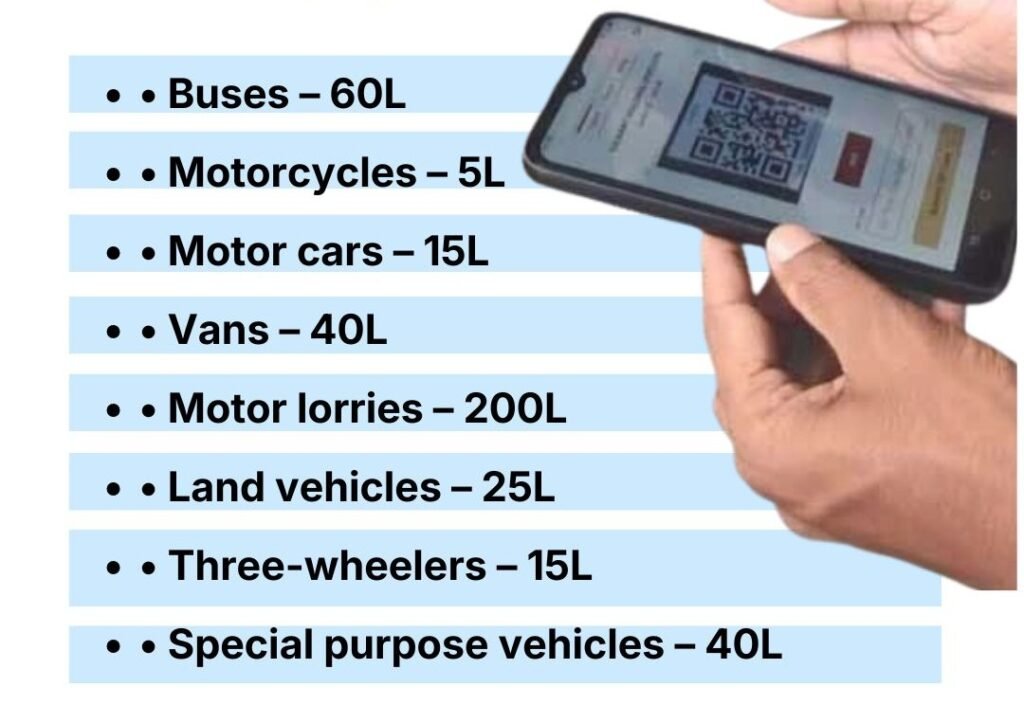
The weekly fuel quota depends on the vehicle category.
Examples include:
| Vehicle Type | Fuel Quota |
|---|---|
| Motorcycle | Around 5 Litres |
| Three Wheeler | Around 15 Litres |
| Car / Van | Around 20 Litres |
| Bus / Lorry | Higher quota depending on category |
(Fuel quotas may change depending on government policies.)
How to Use the Fuel Pass QR Code
Once you have registered and downloaded your QR code, follow these steps when purchasing fuel.
- Visit a registered fuel station.
- Show your Fuel Pass QR code to the station operator.
- The QR code will be scanned.
- Your weekly quota will be checked in the system.
- You will receive fuel according to your allocated quota.
Benefits of the Fuel Pass System
The Fuel Pass system provides several benefits to the public:
- Reduces fuel queues
- Ensures fair fuel distribution
- Prevents hoarding and misuse
- Faster service at filling stations
- Easy monitoring of fuel allocations
Frequently Asked Questions (FAQ)
How can I register for Fuel Pass in Sri Lanka?
You can register online by visiting the official portal fuelpass.gov.lk and entering your vehicle details and personal information.
What is the Fuel Pass QR code?
The Fuel Pass QR code is a digital code generated after registration. It is scanned at fuel stations to verify your vehicle and allocate your weekly fuel quota.
Can I register multiple vehicles for Fuel Pass?
Yes. Each vehicle must be registered separately using its unique vehicle registration number and chassis number.
What should I do if I lose my Fuel Pass QR code?
You can log in again to the Fuel Pass website and download or print your QR code.
Is Fuel Pass registration free?
Yes. Fuel Pass registration is completely free through the official government website.
Check Other Updates :